

Teams
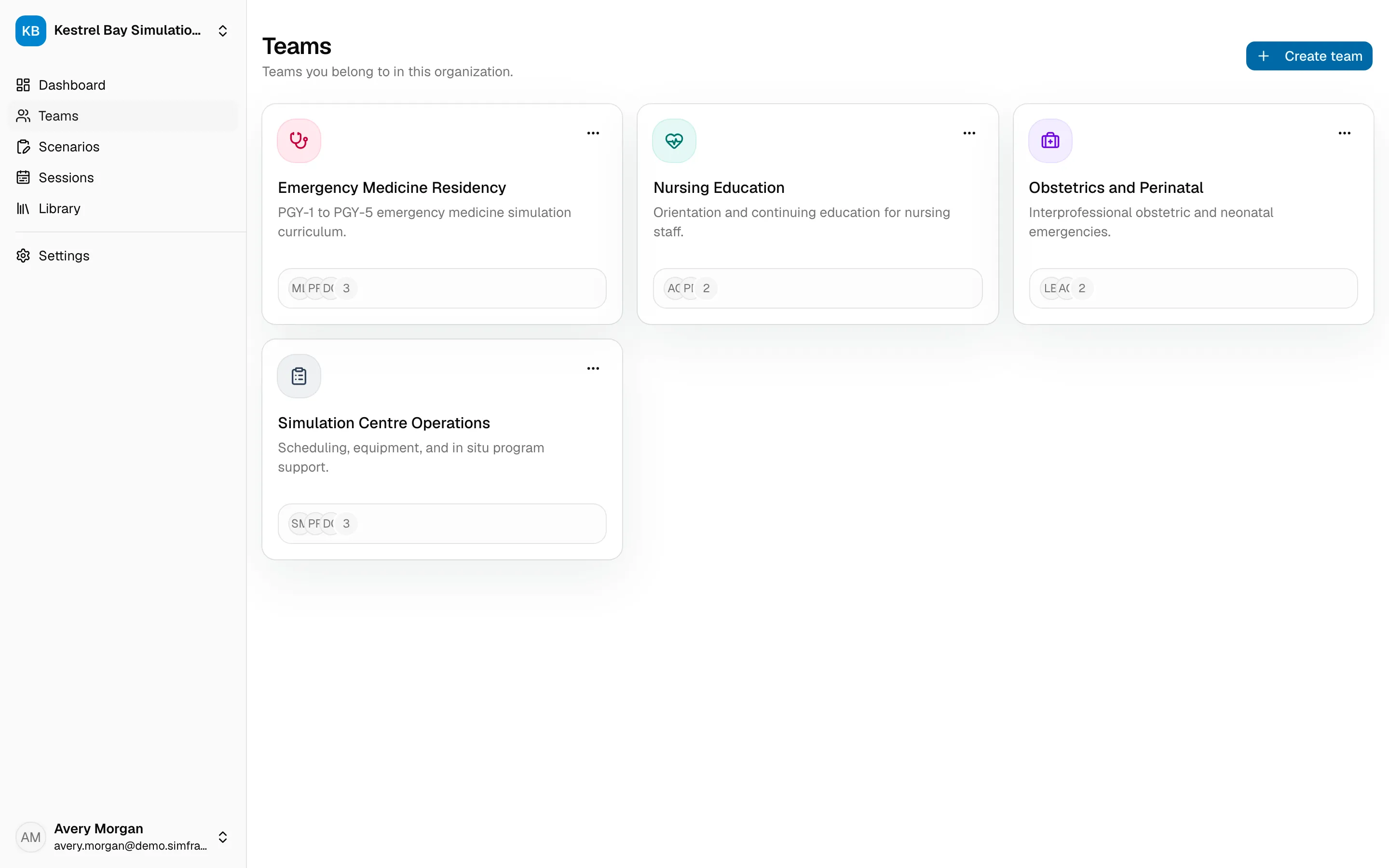
A team is a group of people who work together, such as a program, unit, or faculty group. Every session belongs to a team, and you can share scenarios with a whole team at once.
Create a team
Section titled “Create a team”Directors and facilitators can create teams.
- Open Teams in the sidebar.
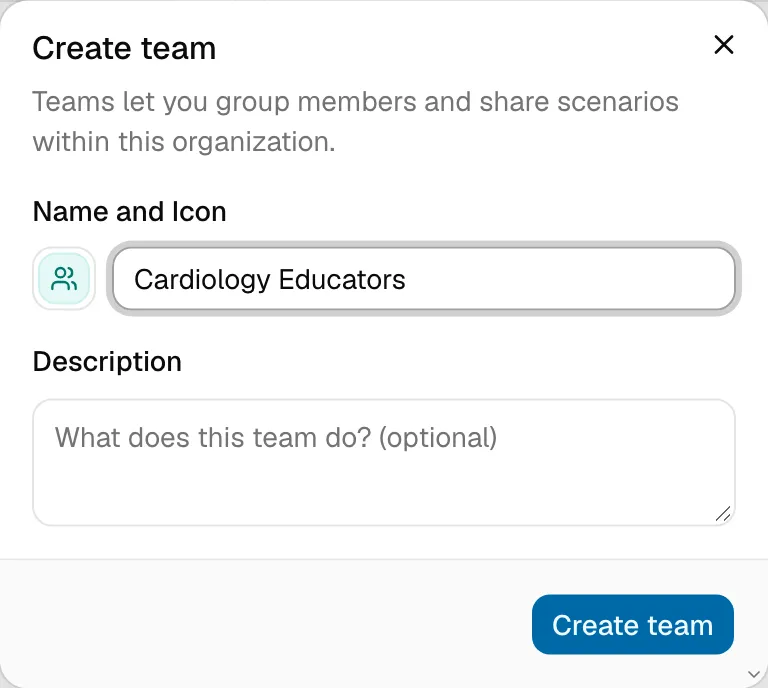
- Choose Create team.
- Enter a name (for example, Cardiology Educators) and, optionally, a description.
- Pick an icon and color so the team is easy to recognize.
You become the team’s admin.
Manage members
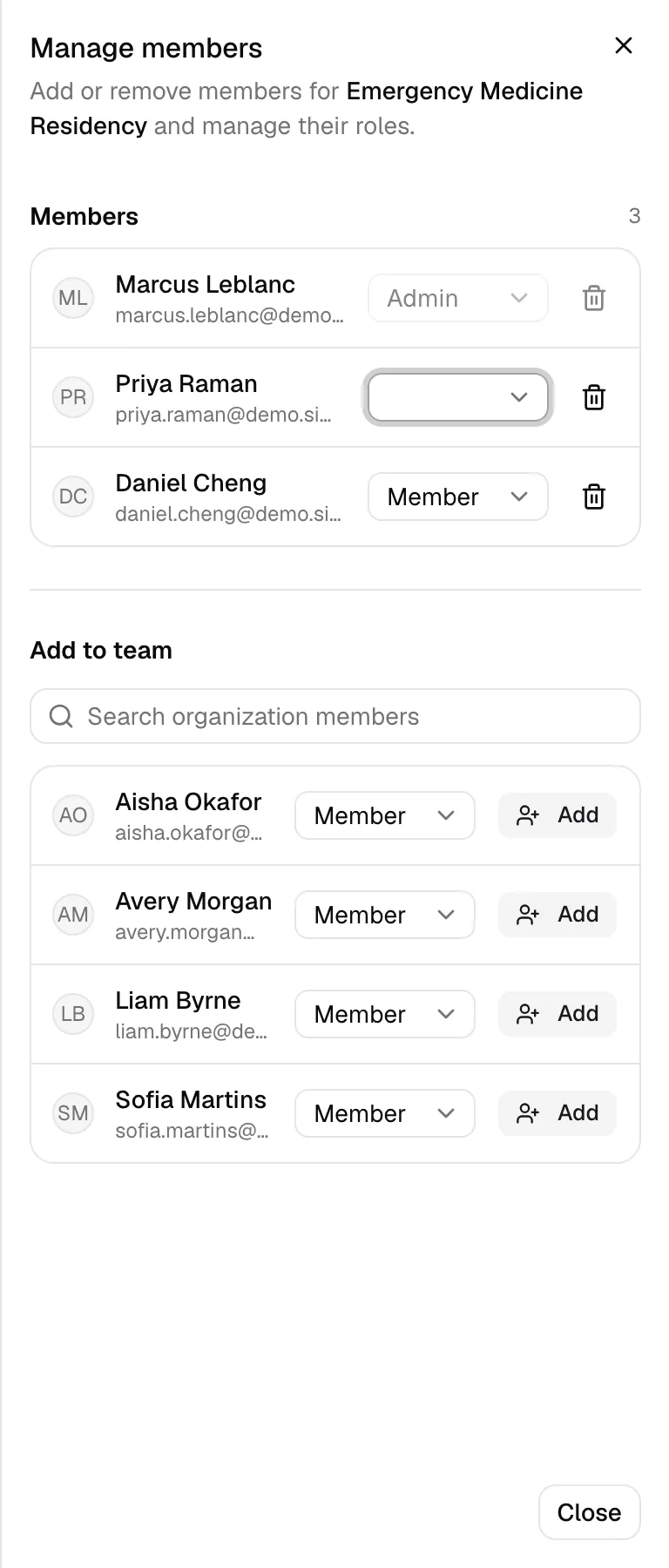
Section titled “Manage members”Open a team and choose Manage members. Search for people in your organization and choose Add to team.
| Team role | Access |
|---|---|
| Admin | Manage the team and its members, and fully manage its sessions. |
| Member | View the team and its sessions. |
A team always needs at least one admin. Make someone else an admin before you remove or demote the last one.
Directors can see and manage every team in the organization, including teams they haven’t joined.