

Case assistant
The case assistant is an AI helper built into the scenario editor. It can answer questions about the case, draft content, and check it for consistency. It never changes the scenario on its own: every edit it suggests waits for you to review it.
Select Assistant at the top right of the editor to open it.
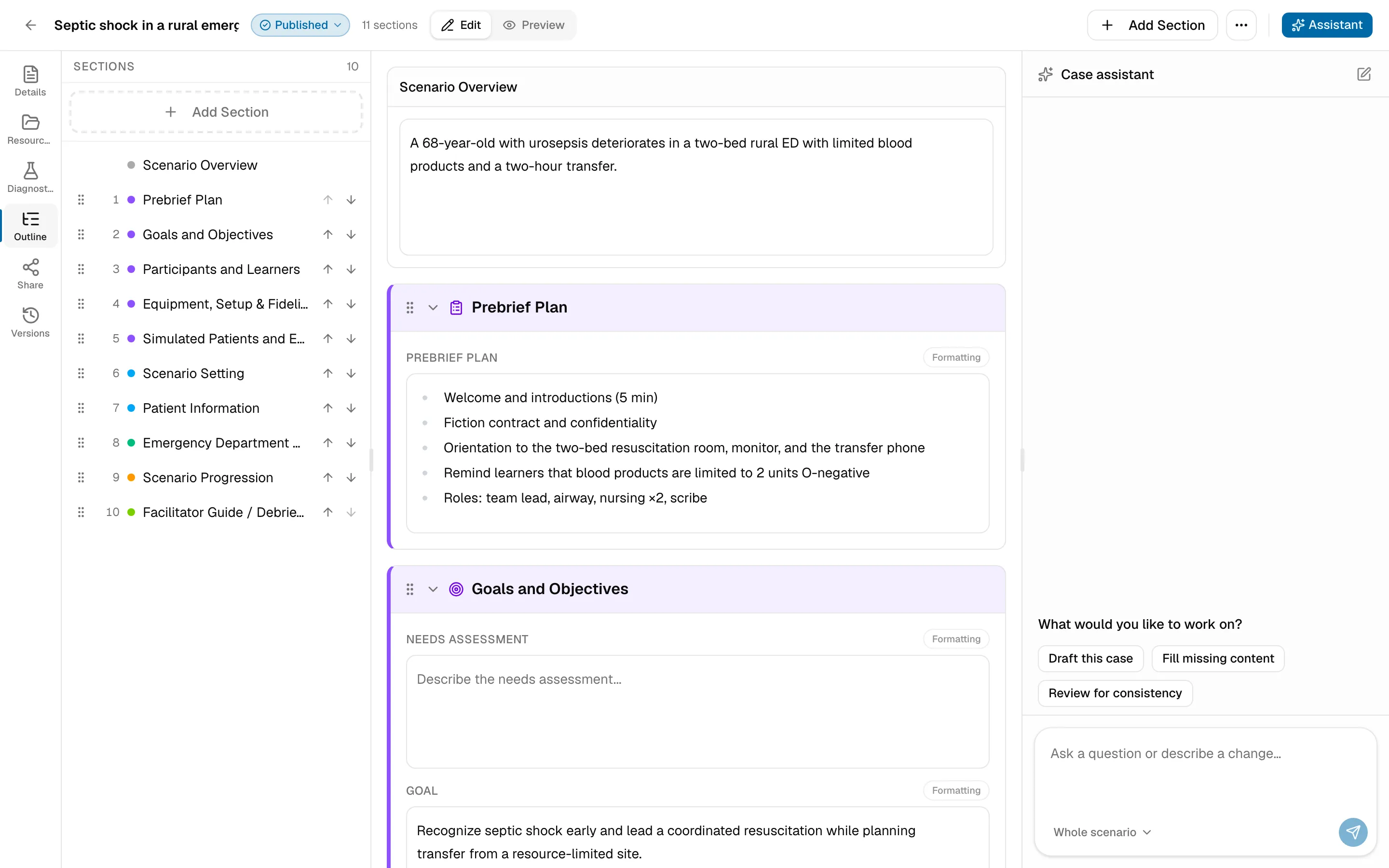
Choose what it works on
Section titled “Choose what it works on”The scope control above the message box sets what the assistant can change:
- Ask only: it answers questions but doesn’t suggest changes.
- Whole scenario: it can suggest changes anywhere in the case.
- Select sections: it can only suggest changes to the sections you pick.
Ask for help
Section titled “Ask for help”Type a question or describe a change, such as “Add a deterioration state after 10 minutes”. Or start with one of the suggestions:
- Draft this case
- Fill missing content
- Review for consistency
Use the stop button to cancel a request that’s still running.
Review suggested changes
Section titled “Review suggested changes”When the assistant has changes for you, they appear under Suggested changes, grouped by section.
- Apply or Discard each change, or use Apply all and Discard all.
- If the section was edited after the suggestion was drafted, SimFrame shows both versions. Choose Keep current case or ask for a new draft.
Applied changes save like any other edit, and you can undo them from Versions.
Conversations
Section titled “Conversations”Your conversation is saved with the scenario. Start a new one with the new-conversation button; pending suggestions are kept. If a conversation gets too long, SimFrame asks you to start a new one.